IPTV M3U Playlist Guide 2026: Everything You Need to Know
M3U playlists are the backbone of IPTV streaming. This comprehensive guide explains what M3U files are, how to use them, how to import playlists on every device, and the key differences between M3U and Xtream Codes connections.
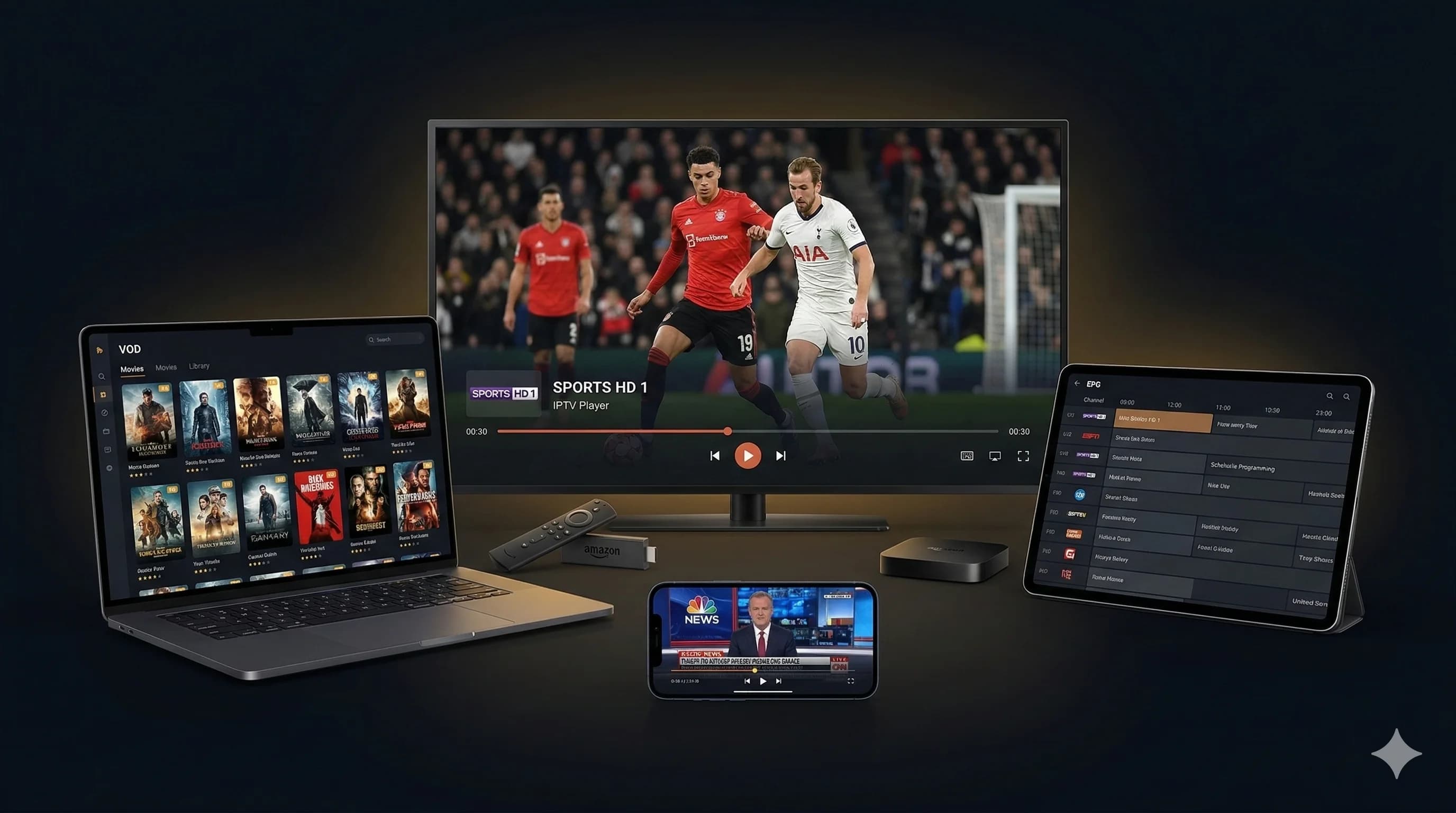
Quick answer: An M3U playlist is a text file containing IPTV channel URLs. To use one, get your M3U link from Meilleur IPTV, paste it into an IPTV app (IPTV Smarters Pro, TiviMate, VLC), and start streaming 38 000++ channels. Xtream Codes API is recommended over M3U for better features.
What is an M3U Playlist?
M3U (Moving Picture Experts Group Audio Layer 3 Uniform Resource Locator) is a plain text file format originally created for organising music playlists. In the world of IPTV, M3U files serve as a directory of streaming channels, containing the URLs that your IPTV player uses to connect to live TV streams.
A typical M3U file starts with the header #EXTM3U and contains entries for each channel. Each entry includes metadata like the channel name, logo URL, group title (category), and the actual stream URL. When you load this file into an IPTV app, it parses all the entries and presents them as a browsable channel list.
There are two ways to use M3U playlists: as a downloaded file (.m3u or .m3u8 file saved on your device) or as a URL (a web link that points to a remotely hosted playlist). The URL method is preferred because it automatically updates when channels are added or changed, whereas a downloaded file becomes outdated.
Modern IPTV providers like Meilleur IPTV provide M3U URLs that contain 38 000++ channels organised into categories by country and genre. The playlist is hosted on the provider's servers and updates automatically, ensuring you always have the latest channel lineup.
M3U vs Xtream Codes: Which Should You Use?
IPTV services typically offer two connection methods: M3U playlists and Xtream Codes API. Both provide access to the same channels, but they differ in functionality and user experience.
M3U Playlist
- \u2713 Universal compatibility
- \u2713 Works with basic players (VLC)
- \u2713 Simple to set up
- \u2713 Single URL to manage
- \u2717 Limited EPG support
- \u2717 No catch-up TV
- \u2717 Manual EPG URL setup
- \u2717 Large file loading time
Xtream Codes API \u2b50
- \u2713 Automatic EPG integration
- \u2713 Catch-up TV (7 days)
- \u2713 Series categorisation
- \u2713 VOD library browsing
- \u2713 Faster channel loading
- \u2713 Account management
- \u2713 Better app experience
- \u2717 Not supported by VLC
Our recommendation: Use Xtream Codes API whenever possible. It provides a significantly better experience with automatic EPG, catch-up TV, and organised content categories. Use M3U only when your app or device does not support Xtream Codes (such as VLC or basic Smart TV apps). Meilleur IPTV provides both options with every subscription.
How to Get Your M3U Playlist
Getting your M3U playlist from Meilleur IPTV is straightforward. Here is the process.
Subscribe or Start Free Trial
Visit the free trial page or choose a plan. No credit card is needed for the trial.
Receive Your Credentials
Within minutes, you will receive an email containing your Xtream Codes credentials (server URL, username, password) and your M3U playlist URL. Keep this information secure.
Copy the M3U URL
Your M3U URL will look something like: http://server.example.com/get.php?username=xxx&password=xxx&type=m3u_plus. Copy this entire URL exactly as provided.
Paste into Your IPTV App
Open your preferred IPTV app, select "Add Playlist" or "M3U URL", and paste the URL. The app will download the playlist and display all 38 000++ channels.
Setup Guide by Device
Amazon Fire TV Stick
1. Install IPTV Smarters Pro or TiviMate from the Amazon App Store.
2. Open the app and select "Load Playlist" or "Add Playlist".
3. Choose "M3U URL" and paste your M3U link from Meilleur IPTV.
4. Wait for channels to load, then start watching.
Samsung & LG Smart TV
1. Install Smart IPTV or IPTV Smarters Pro from your TV's app store.
2. Note your TV's MAC address shown in the app.
3. Visit the app's website on your phone/computer to upload your M3U URL.
4. Restart the app on your TV. All channels will appear.
Windows & Mac (VLC)
1. Download and install VLC Media Player (free) from videolan.org.
2. Go to Media > Open Network Stream (Ctrl+N on Windows, Cmd+N on Mac).
3. Paste your M3U URL and click Play.
4. VLC will load the playlist. Use the playlist panel to browse channels.
Android & iOS Smartphones
1. Install IPTV Smarters Pro from Google Play Store or Apple App Store.
2. Select "Load Your Playlist or File/URL".
3. Choose "M3U URL" and paste your link.
4. Enter a playlist name and tap "Add User". Channels will load automatically.
Get Your M3U Playlist Now
Subscribe to Meilleur IPTV and receive your M3U URL instantly. 38 000++ channels ready to stream.
Best IPTV Apps for M3U Playlists
TiviMate \u2b50
Best for Android TV and Fire Stick. Beautiful interface, EPG support, catch-up TV, recording, and multi-playlist management. Premium version recommended.
IPTV Smarters Pro
Cross-platform app supporting Android, iOS, Smart TV, and Fire Stick. Supports both M3U and Xtream Codes. Clean interface with EPG grid view.
VLC Media Player
Free, open-source player for Windows, Mac, Linux, Android, and iOS. Simple M3U support. Best for basic viewing without advanced IPTV features.
OTT Navigator
Advanced Android IPTV player with excellent M3U support, built-in player, EPG overlay, and customisable interface. Great for power users.
Troubleshooting Common M3U Issues
Playlist Not Loading
Check your internet connection. Verify the M3U URL is copied correctly with no extra spaces. Try a different IPTV app. If the issue persists, your subscription may need renewal.
Channels Buffering
Ensure you have at least 10 Mbps for HD or 25 Mbps for 4K. Use a wired connection instead of Wi-Fi. Close other bandwidth-heavy applications. Try a different server URL if available.
EPG Not Showing
M3U playlists require a separate EPG URL to display programme guides. Ask Meilleur IPTV support for your EPG URL and add it in your app's EPG settings. Alternatively, switch to Xtream Codes for automatic EPG.
Some Channels Not Working
Refresh the playlist in your app. Check if the channel works on a different device or app. Contact Meilleur IPTV support, as the channel may be temporarily down for maintenance.
Security Best Practices
Your M3U URL contains your login credentials and should be treated like a password. Here are important security practices to follow.
- Never share your M3U URL: It contains your username and password. Sharing it allows others to use your subscription and may result in account suspension.
- Use a VPN: A VPN adds an extra layer of privacy and security to your IPTV streaming. It encrypts your traffic and prevents your ISP from monitoring your viewing habits.
- Only use trusted apps: Download IPTV apps from official app stores. Avoid sideloading apps from unknown sources that might steal your credentials.
- Keep your URL private: Do not paste your M3U URL in forums, social media, or shared documents. If compromised, contact Meilleur IPTV support for a URL reset.
Frequently Asked Questions
An M3U playlist is a text file format used to organise and play multimedia content. In IPTV, M3U files contain a list of channel URLs that an IPTV player uses to stream live TV channels. The format was originally created for Winamp but has become the standard for IPTV channel distribution.
When you subscribe to Meilleur IPTV or start a free trial, you receive both Xtream Codes credentials and an M3U URL. The M3U URL can be loaded into any compatible IPTV player. Simply copy and paste the URL into your app to load all 38 000+ channels.
M3U is a playlist format that loads all channels as a single URL. Xtream Codes is an API-based connection using a server URL, username, and password. Xtream Codes offers better features like EPG integration, catch-up TV, series categorisation, and automatic updates. Meilleur IPTV supports both formats.
Most IPTV apps support M3U: VLC Media Player (all platforms), IPTV Smarters Pro (Android, iOS, Smart TV), TiviMate (Android/Fire TV), GSE Smart IPTV (iOS), Perfect Player (Android), Kodi with PVR IPTV Simple Client, Smart IPTV (Samsung/LG), and OTT Navigator.
Common reasons include: expired subscription, incorrect URL (check for extra spaces or characters), internet connection issues, app not supporting the M3U format, or firewall blocking the stream. Try switching to Xtream Codes connection, updating the app, or using a different IPTV player. Contact Meilleur IPTV support for help.
Yes, M3U playlists work on Smart TVs through dedicated IPTV apps. On Samsung TVs, use IPTV Smarters Pro or Smart IPTV. On LG TVs, use Smart IPTV or SS IPTV. On Android TVs, TiviMate or IPTV Smarters Pro are recommended. All apps accept M3U URL input.
Xtream Codes is generally better for most users because it provides automatic EPG updates, catch-up TV, series organisation, and account management. M3U is simpler and works with more basic players like VLC. Meilleur IPTV provides both options so you can choose based on your preferred app.
With Meilleur IPTV, M3U playlists are updated automatically on the server side. When channels are added or server URLs change, the M3U link automatically reflects these changes. There is no need to manually download new files. Simply refresh the playlist in your IPTV app.
Ready to Start Streaming?
38 000++ channels via M3U or Xtream Codes. Get your playlist in minutes.